What was wasting time
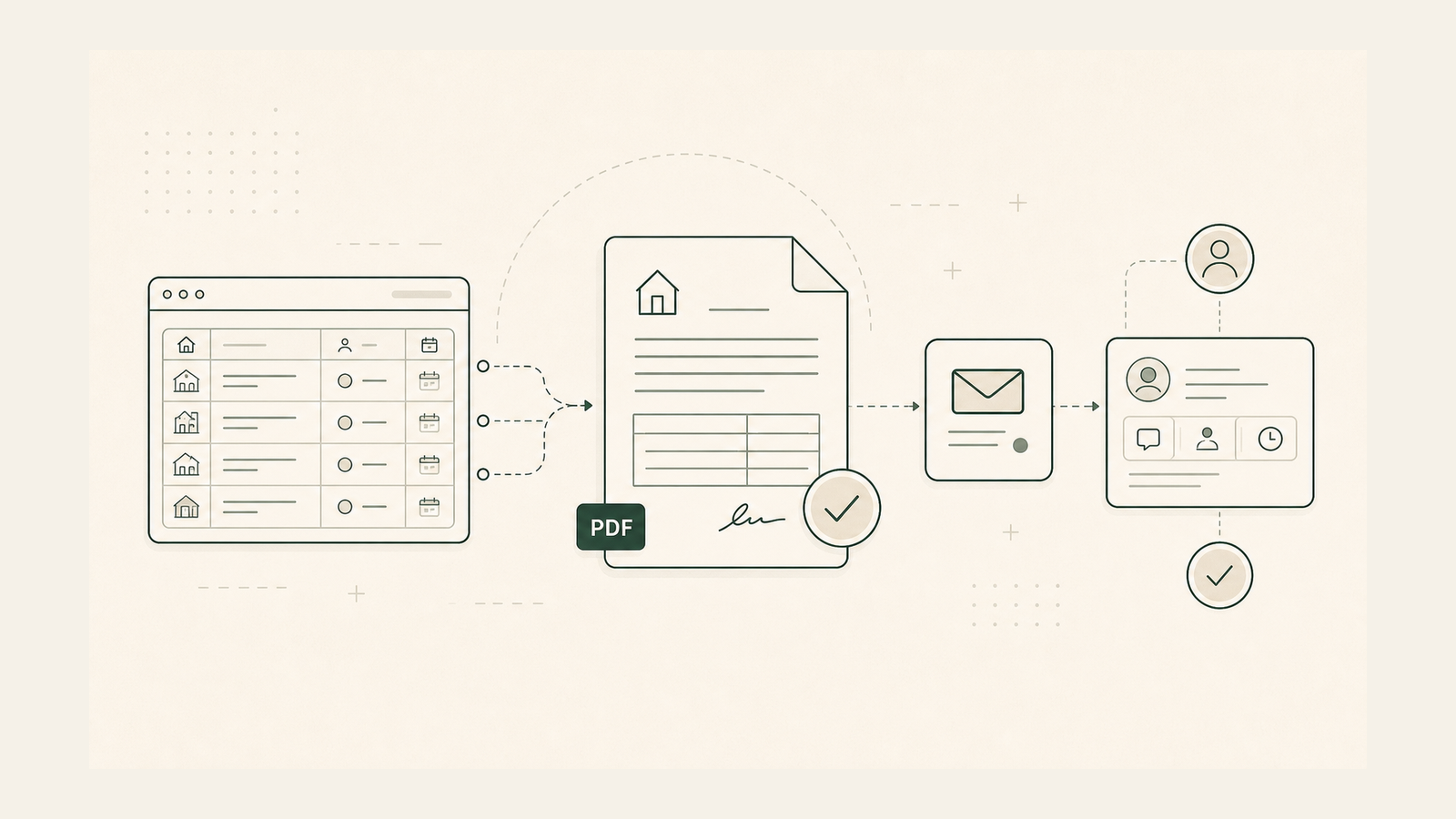
Chec had leads in a sheet, a sales app, and email. A lead could reply, but still show as due for a call. It was hard to know who to reach next.
What changed
We built a daily follow-up list from the live MLS sheet. It links each lead to its GoHighLevel contact and deal. It checks Gmail and GMass for the last real reply before the next message. Due dates show who needs attention, while workflow tags route eligible leads into the right follow-up plan. This keeps reminders and replies tied to the lead record. Chec still handles hot deals, offers, contracts, and closing steps. A linked tool fills offer forms for review.
Result
Chec can work from one list. Chec said the tools helped earn over $10,000 in fees from deals. The tool checks replies and deal status before it sends. This is a past result, not a promise.
How it works
- Read the live lead row.
- Find the lead in the sales app.
- Check for the last reply.
- Check who should handle the lead.
- Sort the list by due date.
- Start the right follow-up plan.
- Leave hot deals and sale steps with Chec.
Tools, explained
- Google Sheets holds the records that staff can edit.
- Apps Script is code that runs tasks in Google apps.
- GoHighLevel stores leads, chats, and deal steps.
- Gmail holds email replies. The tool checks these before it sends.
- GMass sends emails through Gmail after checks.
- Make.com links apps and moves data between them.
- PDF.co fills PDF forms for review.
- CloseBot was used to build this tool.
- VAPI was used to build this tool.