What was wasting time
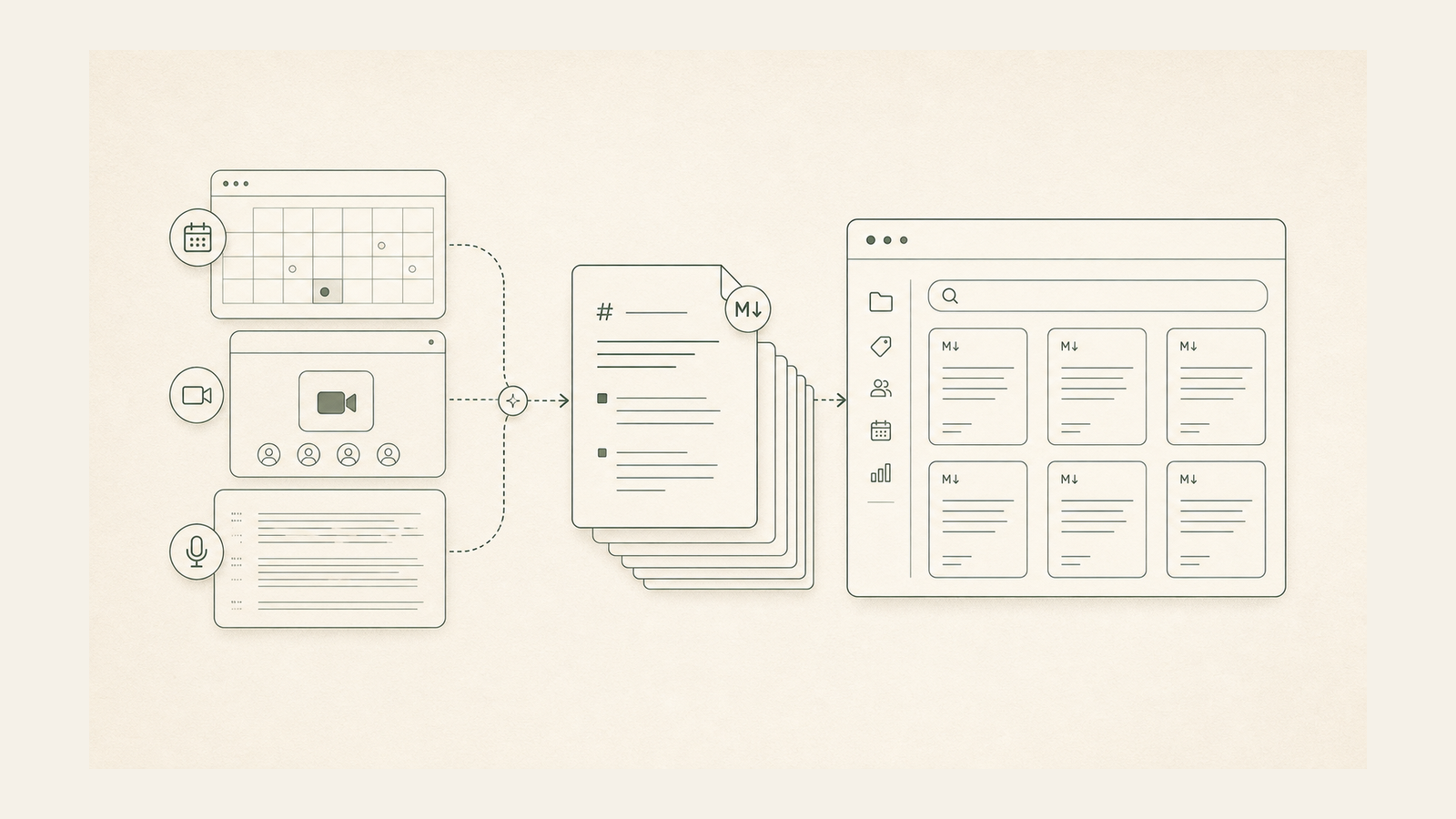
Call notes stayed in one app. It was hard to find them while doing other work. The notes had to be copied by hand.
What changed
I built a tool that saves the words from each call as a text file. It adds a title and date. It updates the old file if the tool runs again. It does not make extra copies.
Result
The notes can be searched and used in other tools. The files stay on the Mac. There is no need to copy each call by hand.
How it works
- Find new call notes.
- Get the text.
- Add the title and date.
- Save a text file.
- Update old files with no extra copies.
Tools, explained
- Python was used to build this tool.
- Granola API was used to build this tool.
- Markdown is a plain text file type.
- launchd runs tasks on a Mac at set times.
- fswatch checks for changes to files.
How we can help
Key facts
auto sync mode
local archive